
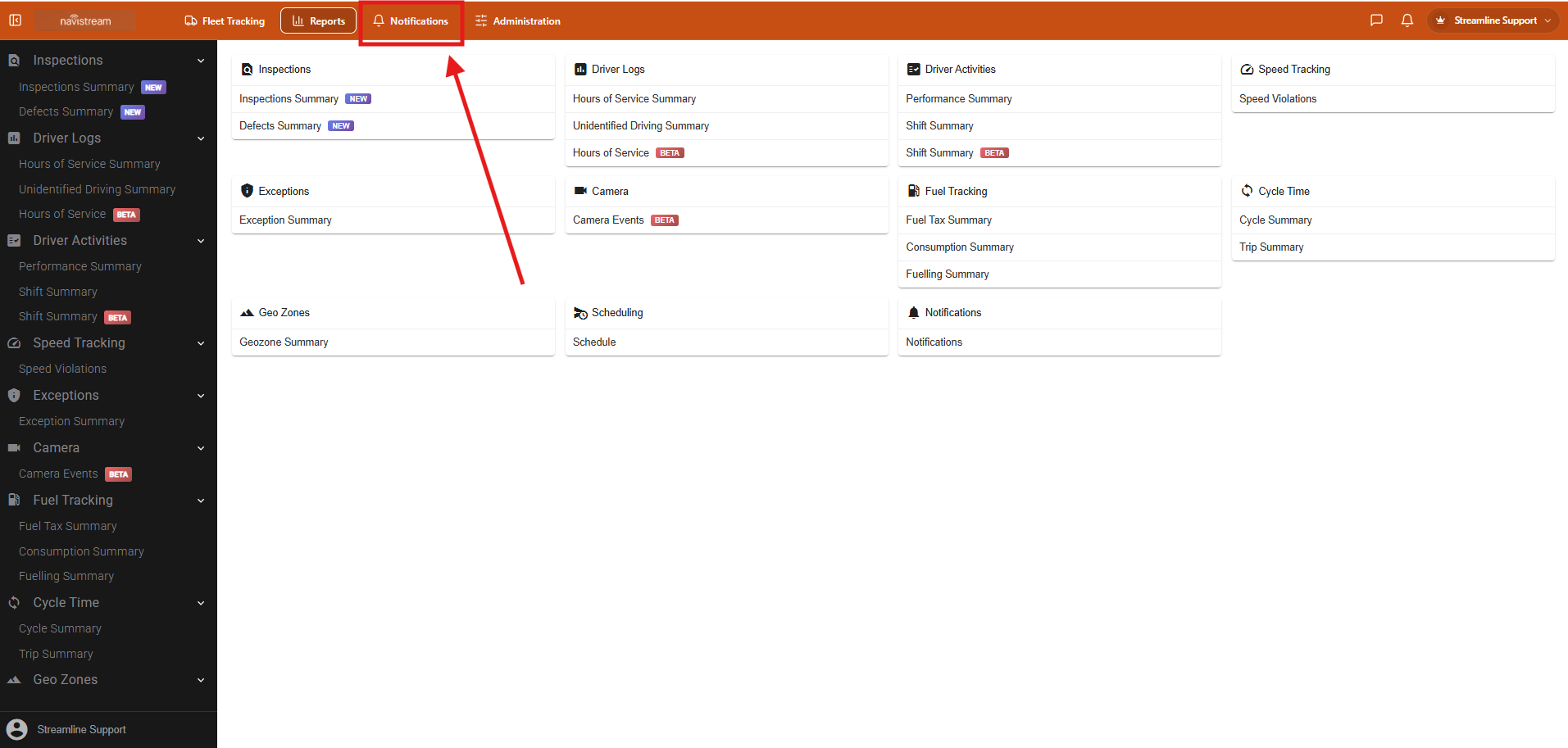
In the latest version of Navistream released on Sept 25th, we have moved how to access Notifications.
The new notifications button can be accessed from any screen on Navistream. You can select the Bell and Notification between Reports and Administration.
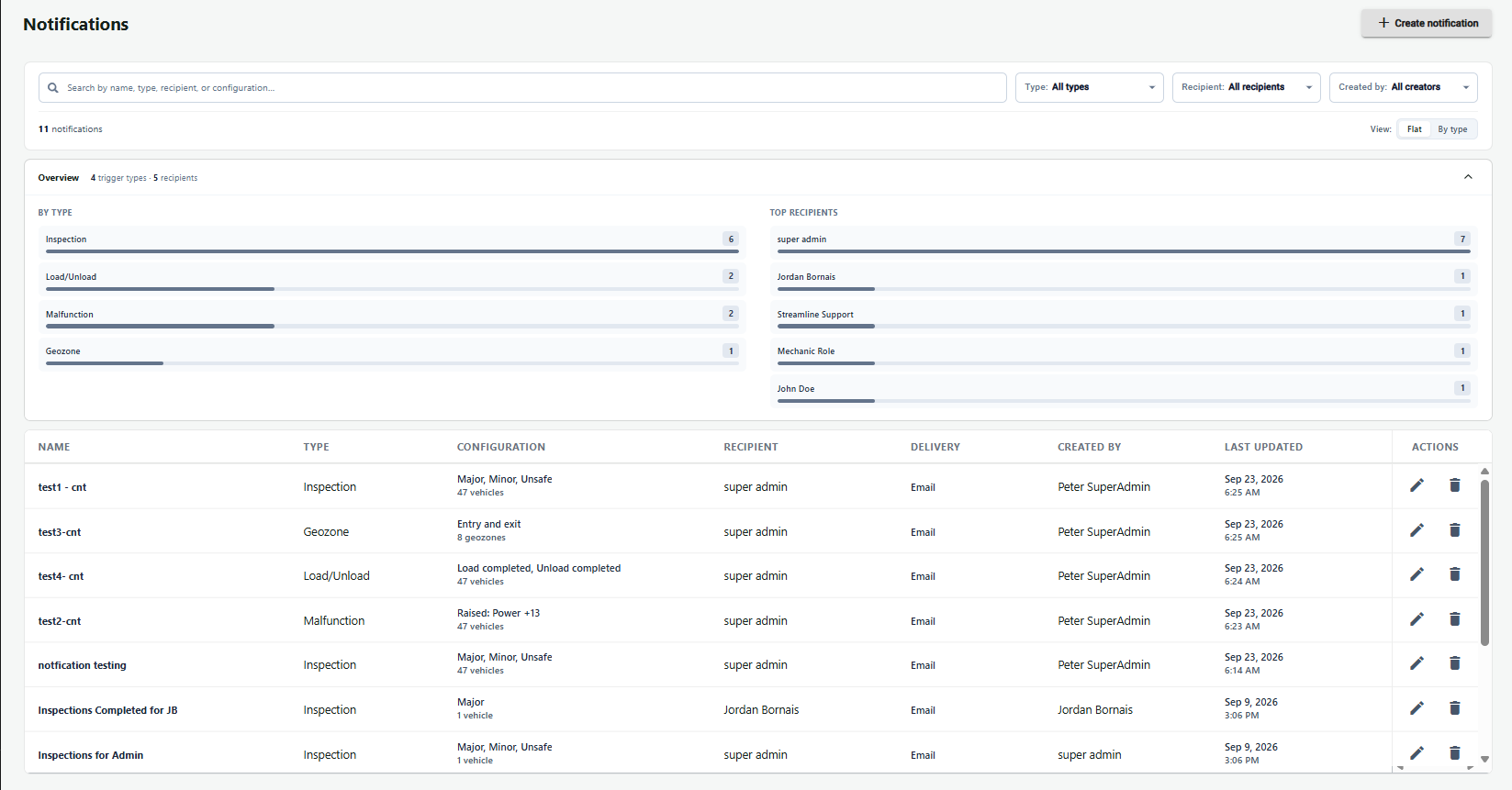
This will take you to the new Notifications screen for Navistream. From here you can review created notifications or create new ones.
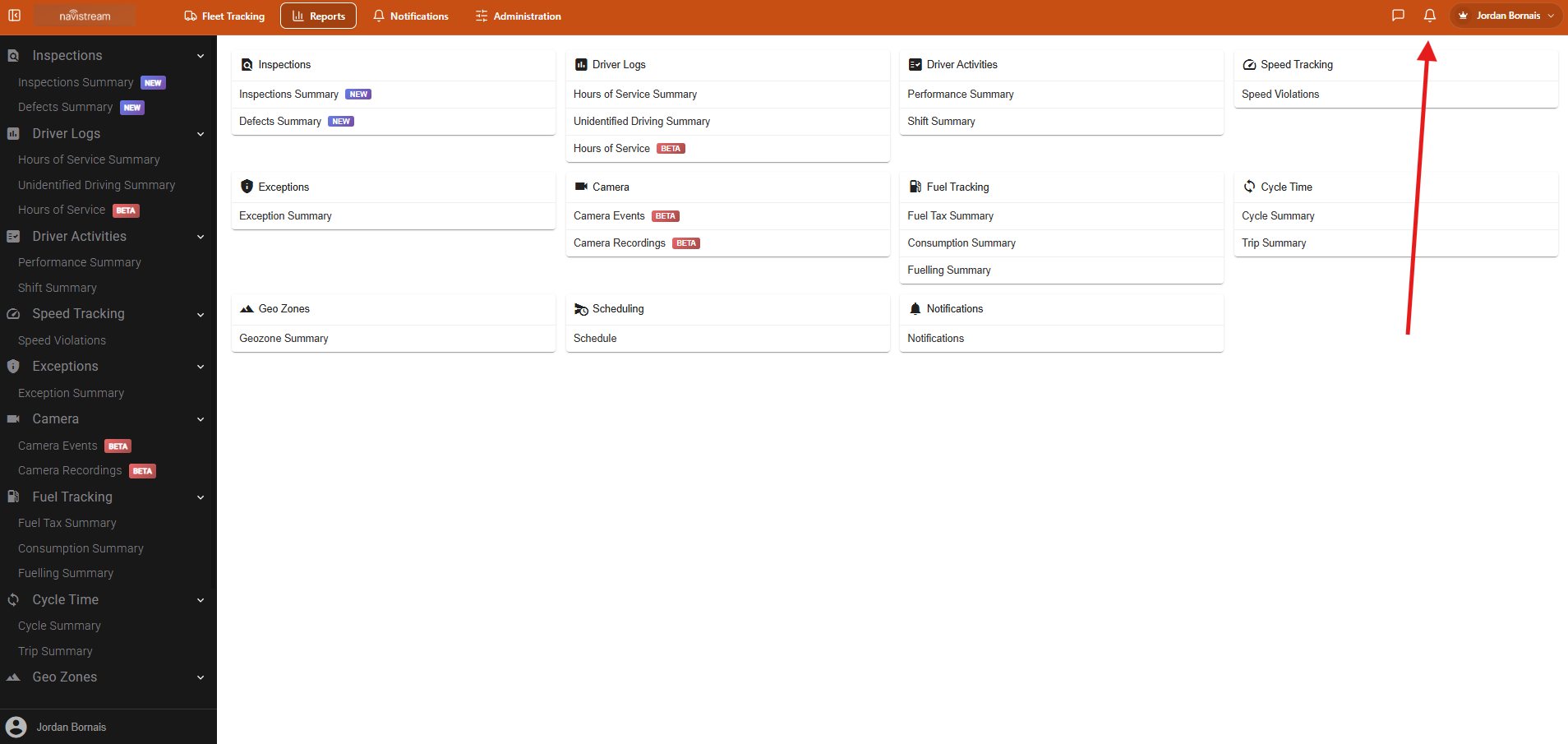
You can also access and view recent notifications by selecting the bell in the top right corner of any page on Navistream.
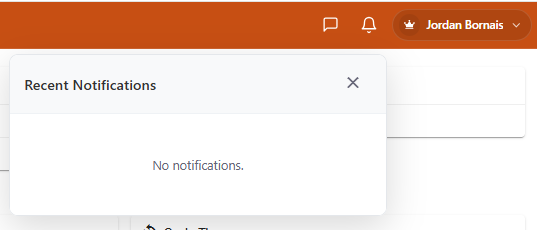
If you have any recent Notifications, they will appear here for your review. If there are no notifications, you will see the message of No notifications.
For more information on Notifications and how to create them, please visit How to Setup Notifications in Navistream
If you have any questions or issues accessing Notifications please contact Navistream Support.
Navistream Support
1(844)571-8200 Ext 2
navistream@stti.ca