
Having refined your search on our Inspection Summary Report, you will have a Data Table containing the Inspections of interest.
Simply click the Pop-Out icon to view the Inspection Detail Report. This displays all the available information for the given selection.

The Inspection Detail Report has the following sections: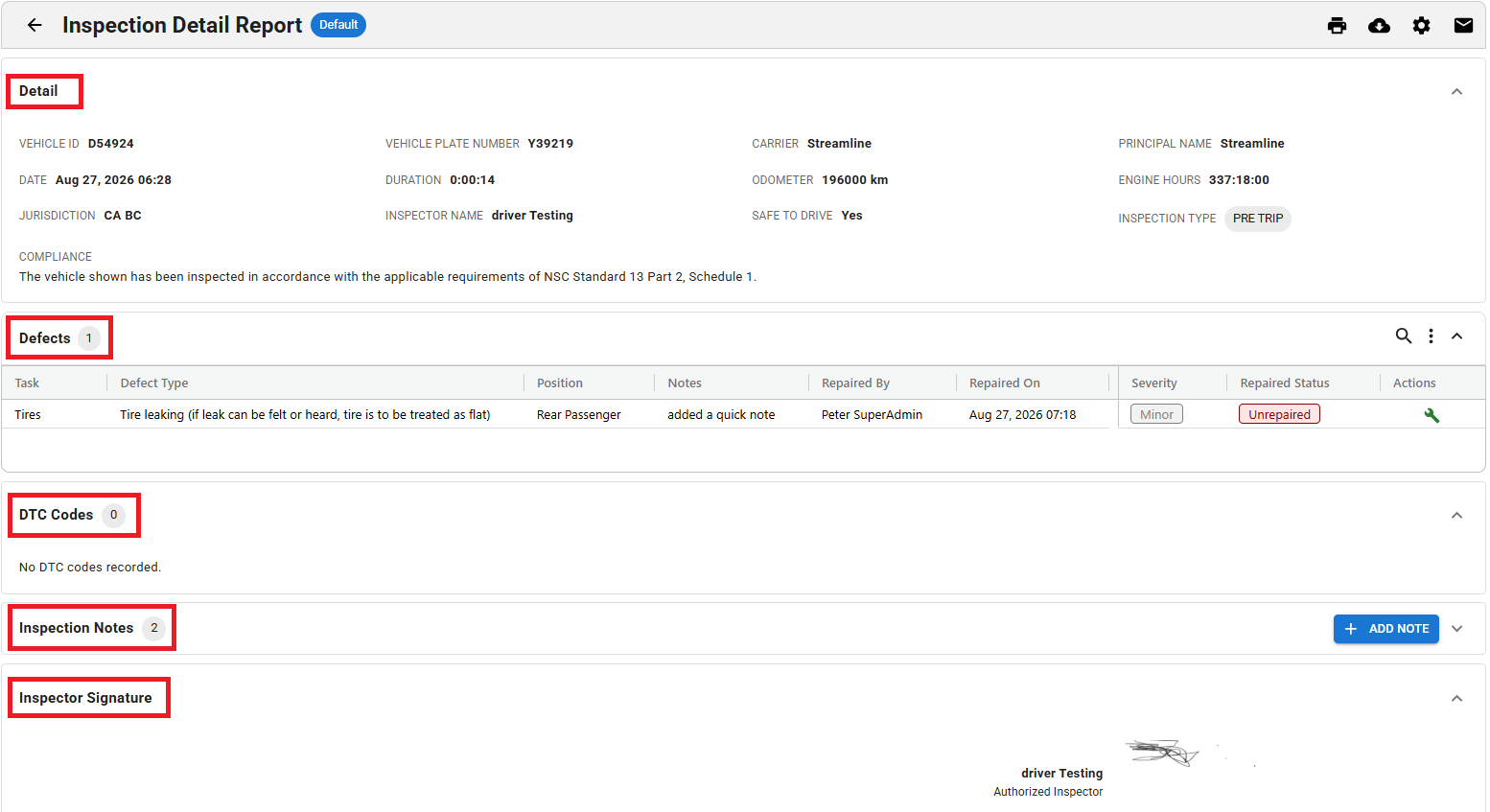
Detail
This section includes information on the following: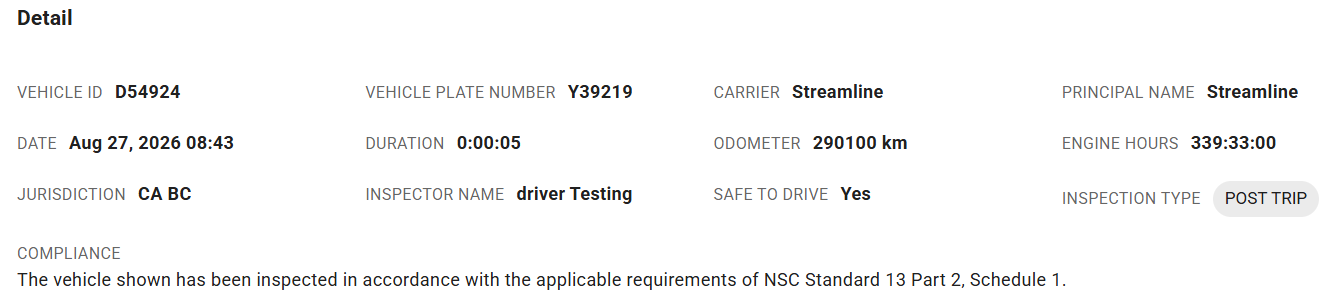
VEHICLE ID
The vehicle's ID
VEHICLE PLATE NUMBER
The vehicle’s licence plate number
CARRIER
The provider of your ELD
PRINCIPAL NAME
Your home terminal name
DATE
The date of the inspection
DURATION
The duration of the inspection
ODOMETER
The vehicle’s odometer at the time of the inspection
ENGINE HOURS
The Vehicle’s engine hours at the time of the inspection
JURISDICTION
The Province or state that the vehicle is set to primarily operate in
INSPECTOR NAME
The name of the inspector
SAFE TO DRIVE
The safety status as determined during the inspection
INSPECTION TYPE
Pre-Trip, Other (during the shift), or Post-Trip inspection
COMPLIANCE
The compliance text indicating the standards for which the inspection is to keep the vehicle compliant with
Related Vehicles
This section lists the vehicle or trailers connected to the unit being inspected at the time of the inspection
This section is absent if there are no Related Vehicles to list

Defects
This section includes information on the following:

Task
Tasks are the section of the report that lists the Major and Minor Defects
Defect Type
Specifies the defect as defined in the task
Position
Indicates the approximate location of the defect
Notes
Notes here are added to the specific defect via the Defect Summary report
Notes can also be added here to the specific defect through the Inspection Detail Report. Upon marking the defect as repaired, there is an option to leave a note.
Repaired By
This lists the name of the individual who marks the defect as repaired
Repaired On
This lists the date that the defect was marked repaired
Severity
The severity, depending on the defect will be either Major or Minor
Repaired Status
The current status of the defect will be listed as either Repaired or Unrepaired
Actions
Here you may mark the defect as repaired by clicking on the Wrench icon
DTC Codes
This section lists some of the Diagnostic Trouble Codes present at the time of the inspection

Inspection Notes
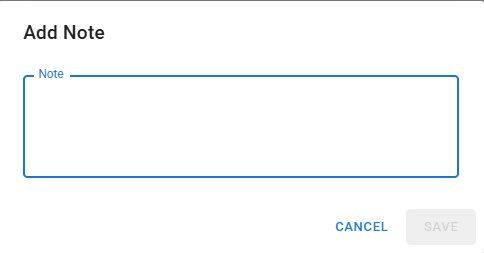
Here you have the option to add notes to the overall inspection by selecting the +ADD NOTE option, filling out the Add Note section and clicking SAVE.
Inspection Signature
Lists the signature of the individual who performed the inspection
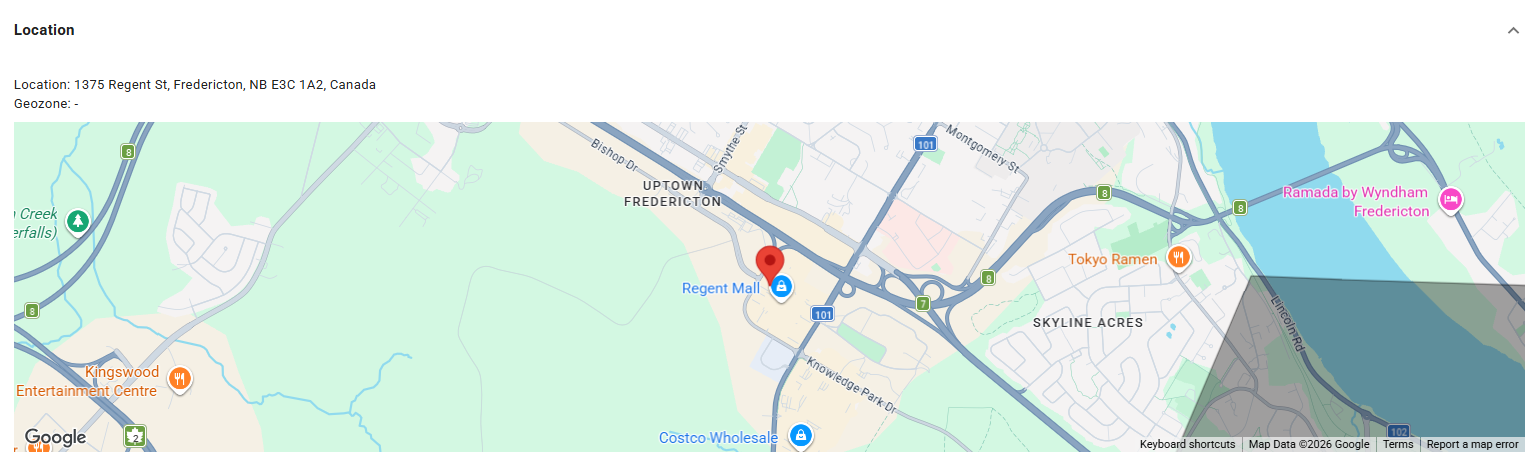
Location
If the coordinates of where the inspection took place are available, this section will be available and show the location on a map
This section is absent if there are no available GPS coordinates
If you have questions regarding how to use the Inspection Detail Report, please contact Navistream Support.
Navistream Support
1 (844) 571-8200 Ext 2