
If your Navistream Camera is not functioning as expected, or if you are directed to by Navistream Support, preform a Power Off cycle to your camera please follow the following instructions.
To start the process of powering off your Navistream Camera, please be inside the vehicle with the parking brake on, the ignition on and press the touchscreen on your camera to view the PIN screen.
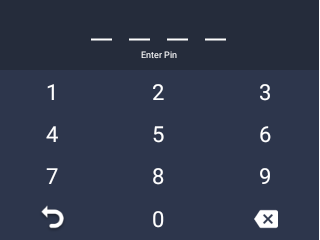
Next enter the default PIN 3333 to unlock the Navistream camera or enter your own PIN if it was changed. Once unlocked you will view the Main Menu. From here select Settings.
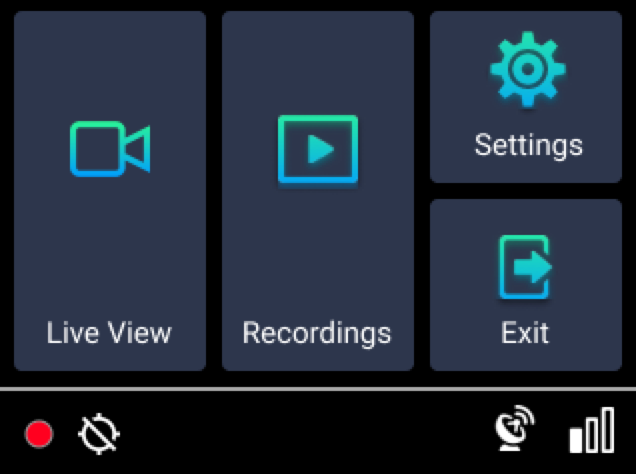
Next scroll down and press Power Off. Next a confirmation window will pop up, please follow the instructions on the screen to first disconnect the power cable and then press OK on the screen to power off your Navistream Camera.
NOTE: If a tamper-proof case is installed on the dashcam, you cannot disconnect the power cable. Press OK and the dashcam restarts instead of shutting down.
If you run into any issues during this process please reach out to Navistream Support at:
support@stti.ca
1(844)571-8200 ext 2