
If you have forgotten your password, then you will have to ask someone from your Organization that has Administrator level access or higher to reset it for you.
However, if you remember your password, but would like to change it to be something else, you can do so by logging to the Navistream Web Portal at mynavistream.com.
Once you have logged into the Web Portal, click your profile icon in the upper right -hand corner of the screen.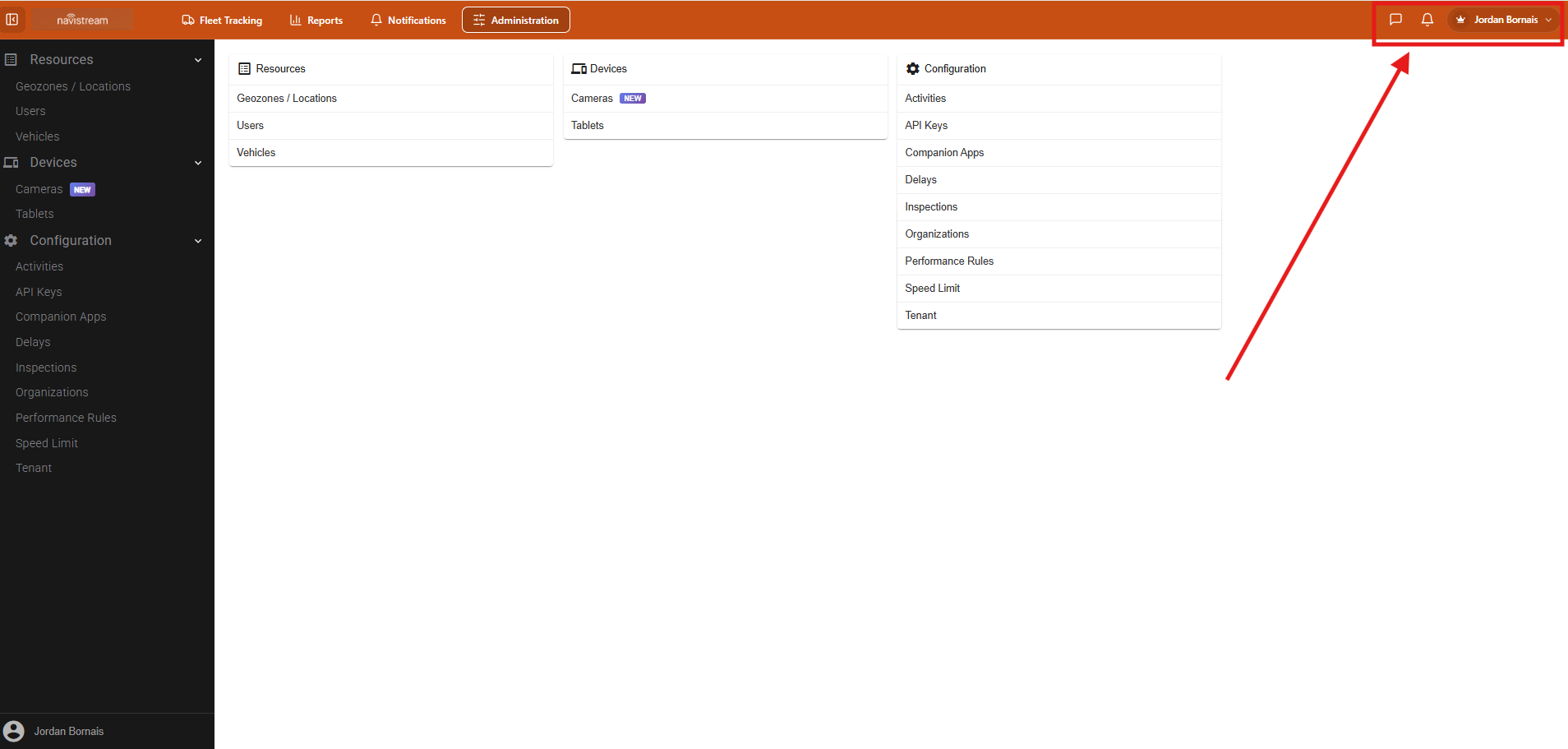
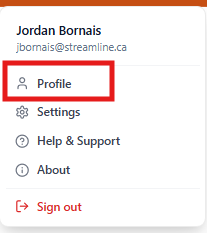
Next select Profile, this will take you to your Profile page for Navistream.
Once you are on your profile, press the Edit Profile button in the upper right-hand corner.

Enter a new password in the password field of this form and press Save Profile in the upper right-hand corner.

Once you have saved the profile, your password will be updated.
If you have any issues updating your password, or have any questions please contact Navistream Support.
Navistream Support
1(844)571-8200 Ext 2
navistream@stti.ca